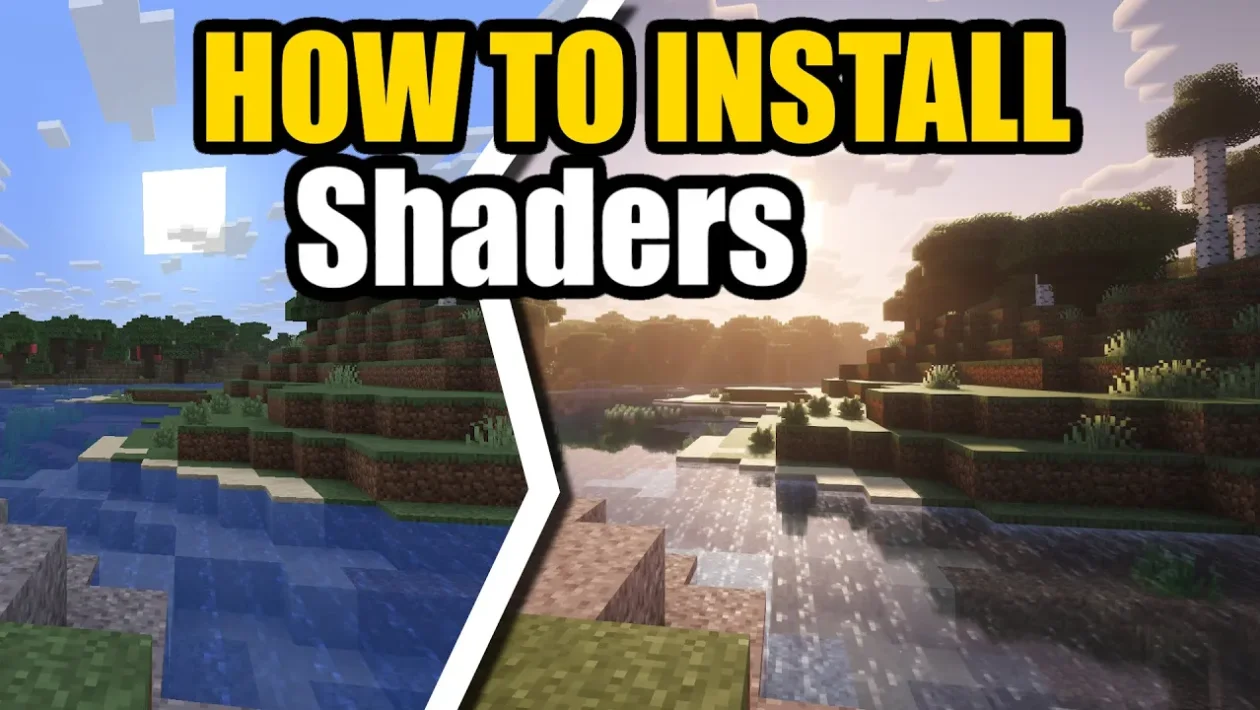
How to Install Shaders for Minecraft 26.1.2 (Fabric + Iris)
Introduction
Shaders transform Minecraft’s visuals by adding realistic lighting, shadows, water reflections, and atmospheric effects.
To use shaders on Fabric, you’ll need Iris Shaders, which works together with performance mods like Sodium.
In this guide, you’ll learn how to install shaders for Minecraft 26.1.2 using Fabric + Iris, with Complementary Shaders as an example.
⚠️ This guide was written with the help of AI and may contain inaccuracies.
Requirements
Before starting, make sure you have:
- Minecraft 26.1.2 installed
- Java 17 or higher
- Fabric Loader installed
- Internet connection
Step-by-Step: Shader Installation (Fabric + Iris)
Step 1: Install Fabric Loader
Go to:
https://fabricmc.net/
- Download the installer
- Select Minecraft 26.1.2
- Click Install
Step 2: Download Iris + Sodium
Iris Shaders requires Sodium for performance.
Go to:
https://modrinth.com/mod/iris
- Download the version for 26.1.2
You may also need:
Sodium
https://modrinth.com/mod/sodium
Step 3: Install Mods
Open your .minecraft/mods folder:
Windows
C:\Users\<YourName>\AppData\Roaming\.minecraft\mods
Mac
~/Library/Application Support/minecraft/mods
If it doesn’t exist, create a folder called:
mods
Now drag in:
- Iris (.jar)
- Sodium (.jar)
Step 4: Launch Minecraft
- Open Minecraft Launcher
- Select Fabric profile
- Click Play
You should now see shader support enabled.
Step 5: Download a Shader Pack (Example: Complementary)
A popular choice is Complementary Shaders:
Complementary Shaders
https://www.complementary.dev/
Download either:
- Complementary Reimagined (balanced)
- Complementary Unbound (more realistic)
Step 6: Install Shader Pack
- Open Minecraft
- Go to Options → Video Settings → Shader Packs (Iris menu)
- Click Open Shader Folder
- Drag the downloaded
.zipfile into the folder - Select it in-game
Step 7: Enable Shaders
- Go back to shader menu
- Click your shader pack
- Wait for it to load
Done — shaders are now active.
Recommended Settings
For smooth performance:
- Render Distance: 8–12 chunks
- Graphics: Fancy
- Use Sodium performance settings for FPS boost
Troubleshooting
| Problem | Solution |
|---|---|
| Shaders not showing | Make sure Iris is installed |
| Game lagging | Lower render distance or use Sodium settings |
| Shader pack not loading | Ensure file is .zip and not extracted |
| Black screen | Update GPU drivers |
Downloads & Links
👉 Iris Shaders
https://modrinth.com/mod/iris/
👉 Sodium
https://modrinth.com/mod/sodium/
👉 Fabric API
https://modrinth.com/mod/fabric-api/
👉 Fabric Loader:
https://fabricmc.net/
👉 Complementary Shaders (official site):
https://modrinth.com/shader/complementary-reimagined/
Final Tips
- Iris Shaders is the best way to use shaders on Fabric
- Pairing it with Sodium gives the best performance
- Try different shader packs for different visual styles
- Lower settings if your FPS drops